
A shortlist you keep
Favourites are a shortlist, not a copy: a starred wallpaper stays in the Library and keeps working. Nothing is downloaded or duplicated by starring it.
Starring a wallpaper
- Open Library.
- Click the star in the top-right corner of the tile.
- The star fills in and the wallpaper appears on the Favorites page straight away.
Hovering the star shows the tooltip Toggle Favorite - that is the wording the app uses for this action.
The star lives on Library tiles, so favourite what you have already downloaded or added. The store grid has its own tools instead - filters, sorting and search - plus the quick download arrow on each card.
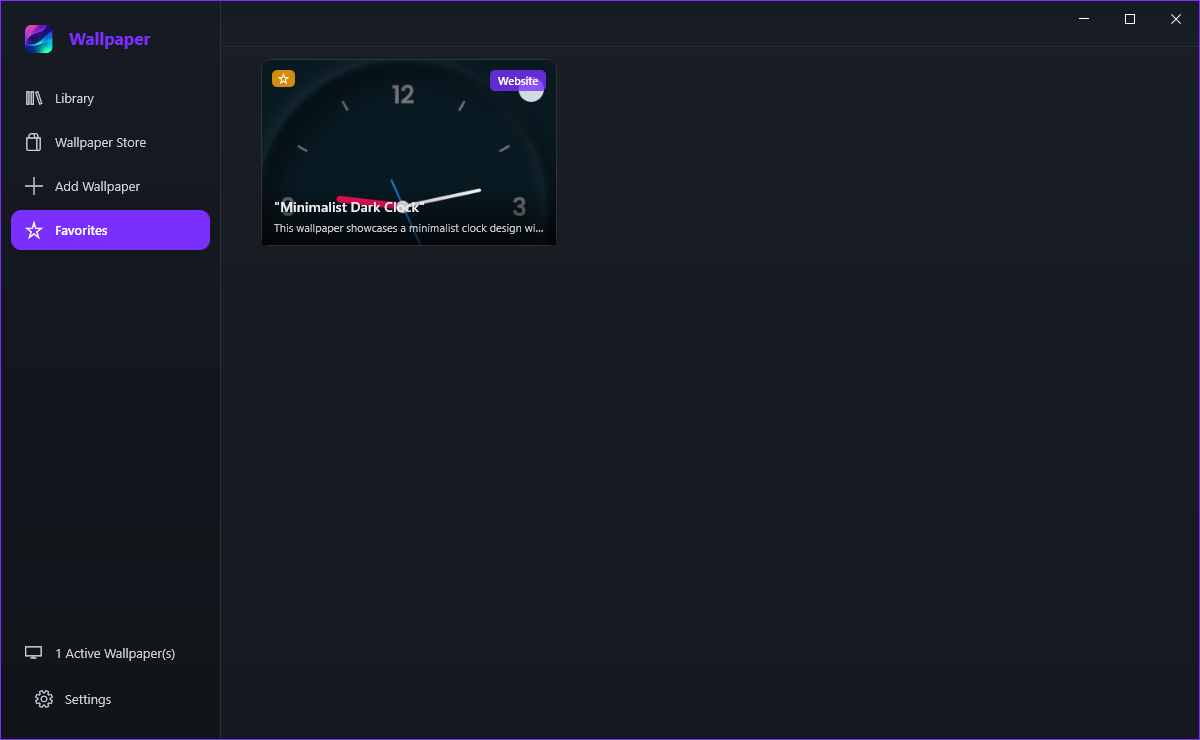
Using the Favorites page
Every favourite offers Set as Wallpaper, Preview and Remove from Favorites. Setting one is the quickest way to rotate between a handful of wallpapers you actually like.
Click the star on the Library tile again, or choose Remove from Favorites on the Favorites page. Removing a favourite only takes it off the list - it never deletes the wallpaper, which only Delete on the tile does.
Because nothing has been starred yet. The page says No Favorites Yet and explains that the star in the Library is the way in, with a Go to Library button to get there.