
Free and premium wallpapers
The catalogue is free to browse. Every category contains wallpapers that cost nothing; the ones marked Premium need a plan before the app will download them. The purchase itself is handled by the Microsoft Store, from inside the app.
What is free
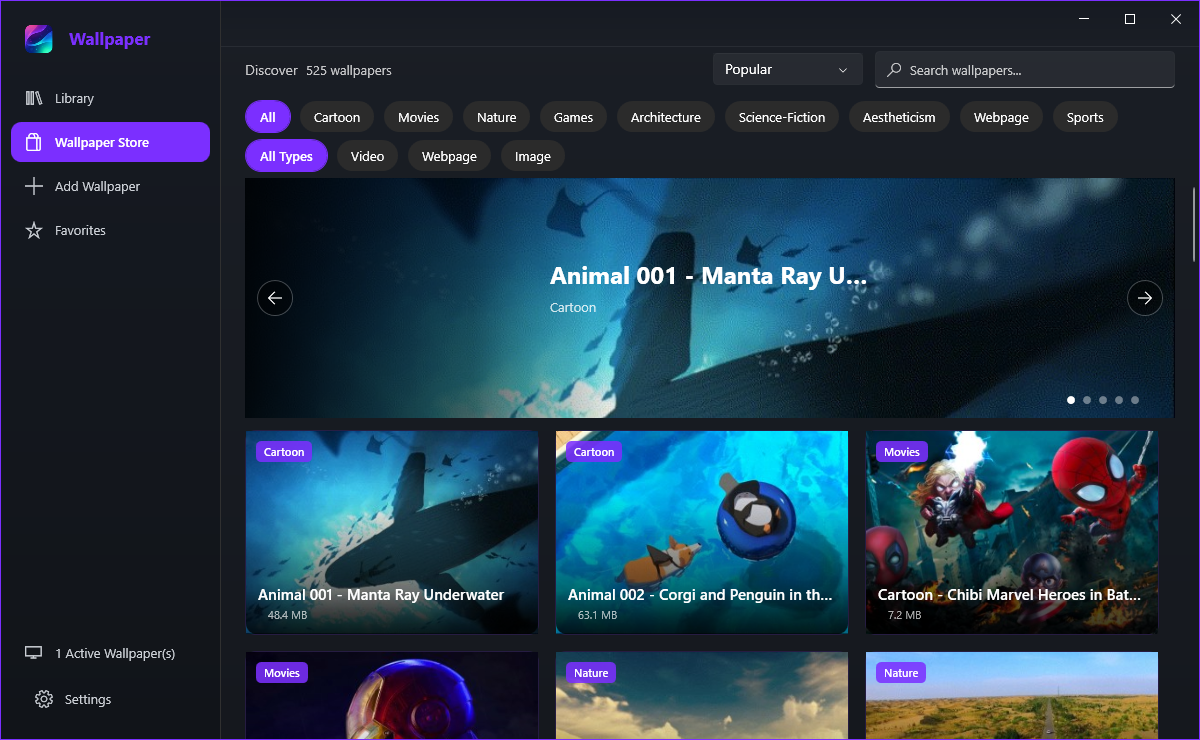
The free ones, in every category - on a fresh install the app even seeds a handful of free featured wallpapers into your Library so the grid is not blank. Free wallpapers stay in your Library and keep playing like any other, and nothing asks you to create an account.
Its card carries a gold Premium badge with a small crown, under the category badge. While no plan is active, clicking that card opens the Premium dialog instead of the wallpaper's detail window.
Buying Premium
Monthly is a subscription that renews through the Store, and Lifetime is a one-time purchase that never expires. Both unlock exactly the same premium catalogue, so the only question is whether you would rather pay once or a little at a time.
The dialog shows the current price for your market. The Microsoft Store sets prices per region and currency, so the app fills the figure in when the dialog opens rather than quoting a number of its own - whatever the dialog shows is what the Store charges you.
- Click a wallpaper that carries the Premium badge.
- In the Premium dialog, compare the price shown for Monthly and Lifetime.
- Click the upgrade button for the plan you want.
- Complete the purchase in the Microsoft Store dialog that appears.
- The wallpaper is downloaded into your Library once the purchase is confirmed.
Account, restore and lapses
The Microsoft account signed in to the Store on that PC. Reinstalling the app does not lose the plan: the app re-reads the Store licence when it starts, so signing in with the same account on another PC restores it there too.
Premium downloads are locked again, so new premium wallpapers cannot be fetched until you subscribe once more. Wallpapers that are already in your Library keep working exactly as before - they are on your disk, and nothing removes them.
Only to buy, to re-check the licence and to download. The last known entitlement is cached along with your settings, so an offline start does not lock out someone who has paid.