How to Read the Logs and Change the Settings?
The last two pages of the left rail are for diagnostics and preferences.
Log
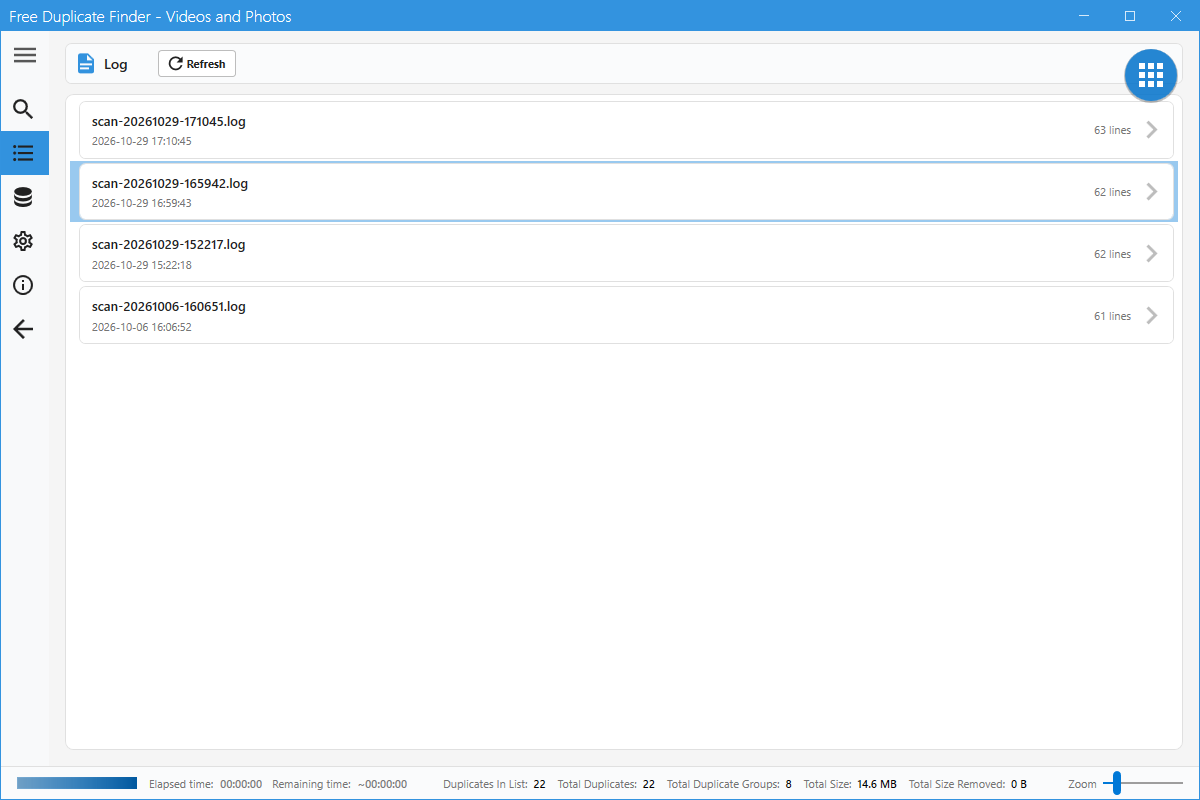
Every scan writes a log. Open the Log page to see the list of log files with their date and line count. Click an entry to read it, or press Refresh after a new scan.
Settings: language
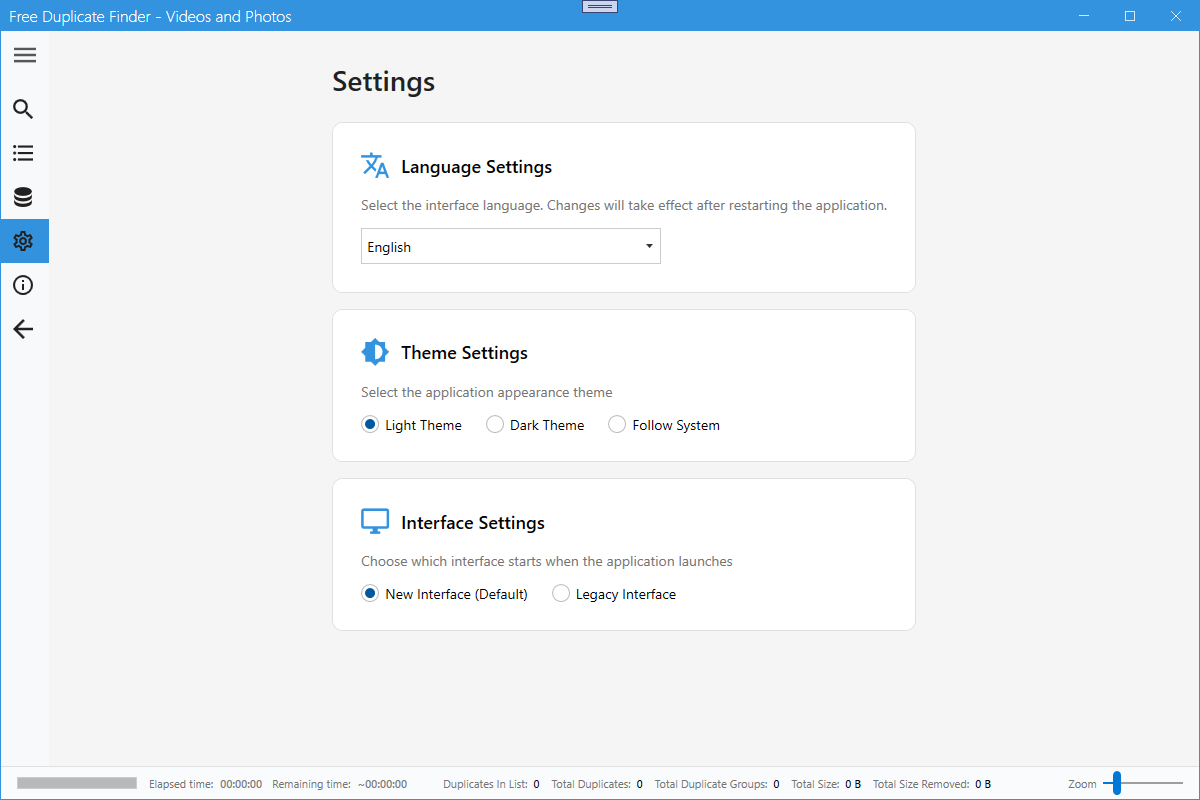
Language Settings switches the interface language. The change takes effect after restarting the app.
Settings: theme
Theme Settings offers Light Theme, Dark Theme and Follow System.
Settings: interface
Interface Settings decides which window starts with the app: the New Interface (default) or the Legacy Interface.
Legacy interface
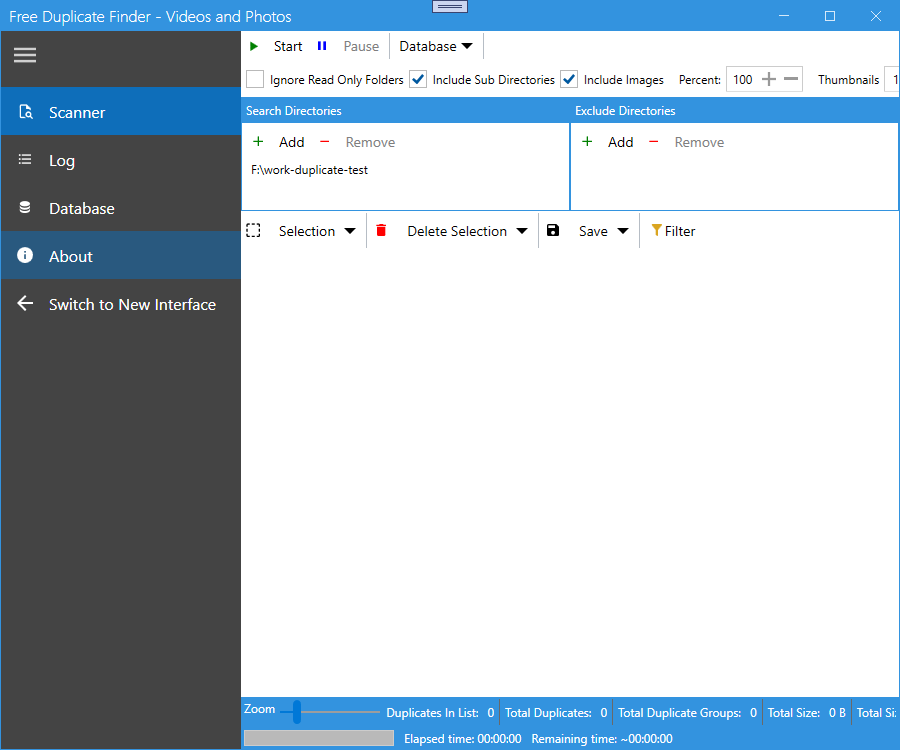
The legacy window keeps the classic layout with a text sidebar. Use Switch to New Interface at the bottom of that sidebar to come back, or change the default in Settings.
Tips
- Attach the newest log when you report a problem, it contains what the scan actually did.
- Dark Theme is easier on the eyes when you compare video frames.
- The Database page keeps scan results between runs, which makes repeated scans of the same folders much faster.