Streaming & Hotkeys
串流与快捷键
Stream Settings
串流设置
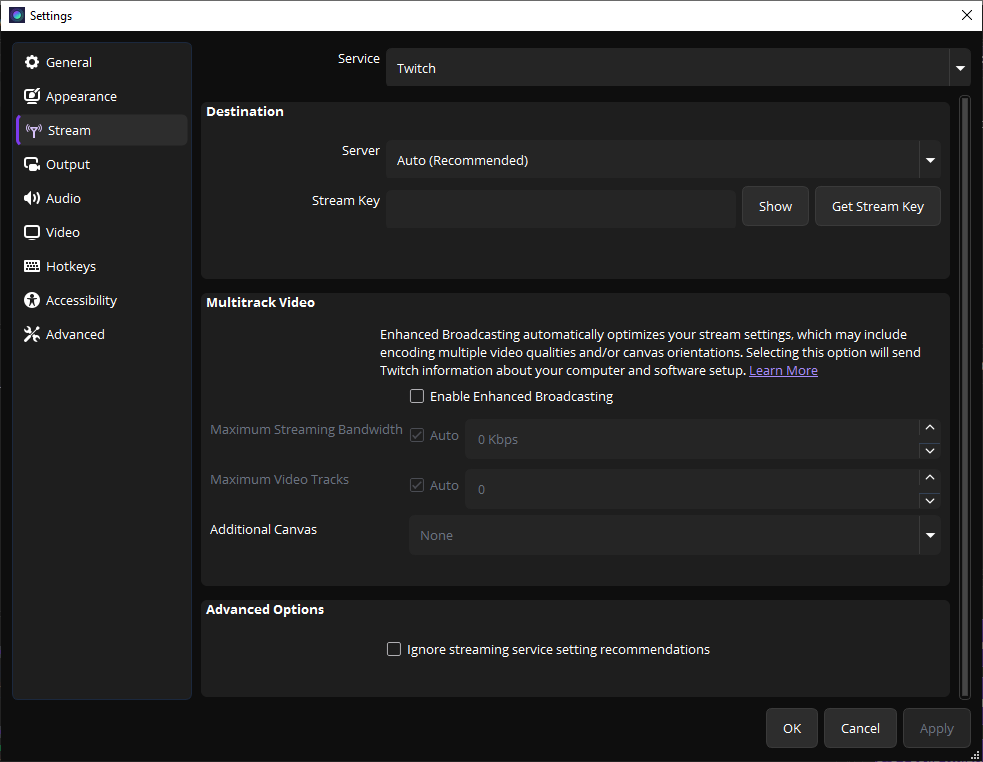
Stream settings page
串流设置页面
If you want to live stream, configure your streaming service here. For screen recording only, you can skip this section.
如果要直播,在这里配置串流服务。如果只录屏,可以跳过此部分。
Hotkey Settings
快捷键设置

Hotkey settings page
快捷键设置页面
1
Start Recording — Default is not set. Click and press your preferred key (e.g., F9).
开始录制 — 默认未设置,点击后按你想要的键(如 F9)。
2
Stop Recording — Use the same key or a different one (e.g., F10).
停止录制 — 可用相同或不同键(如 F10)。
3
Pause Recording — Optional. Handy for long recordings.
暂停录制 — 可选,适合长时间录制时使用。
Setting hotkeys lets you start/stop recording without switching windows — perfect for tutorials!
设置快捷键可以不切换窗口就开始/停止录制——录教程必备!