Inserting a Graphic From the Text documents
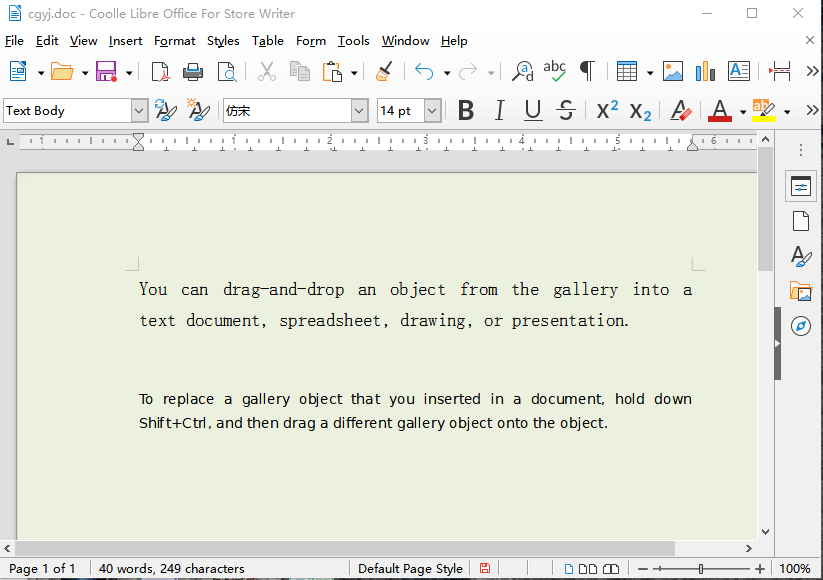
1. Click in the document where you want to insert the graphic.
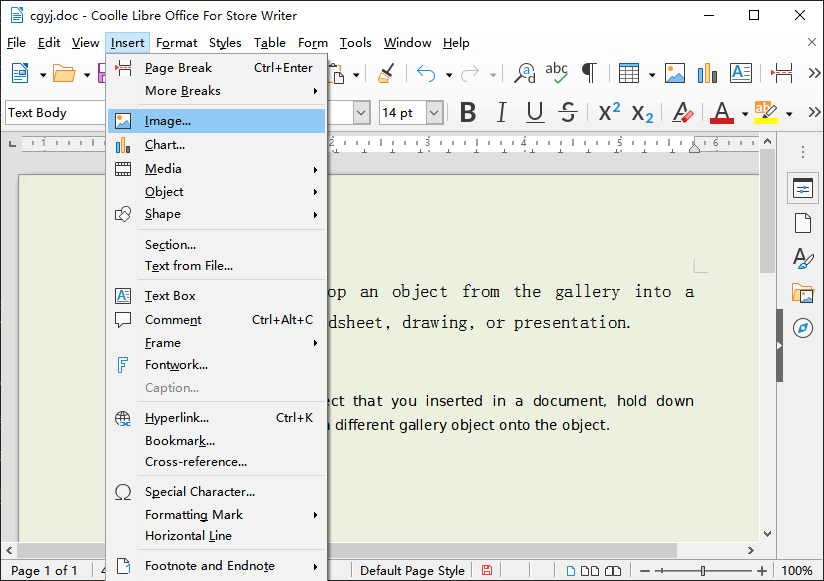
2. Choose Insert - Image - From File.
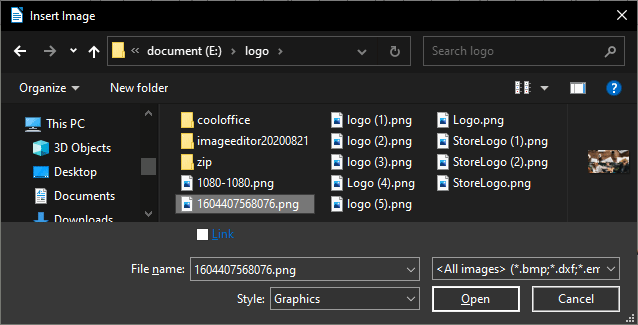
3. Locate the graphic file that you want to insert, and then click Open.
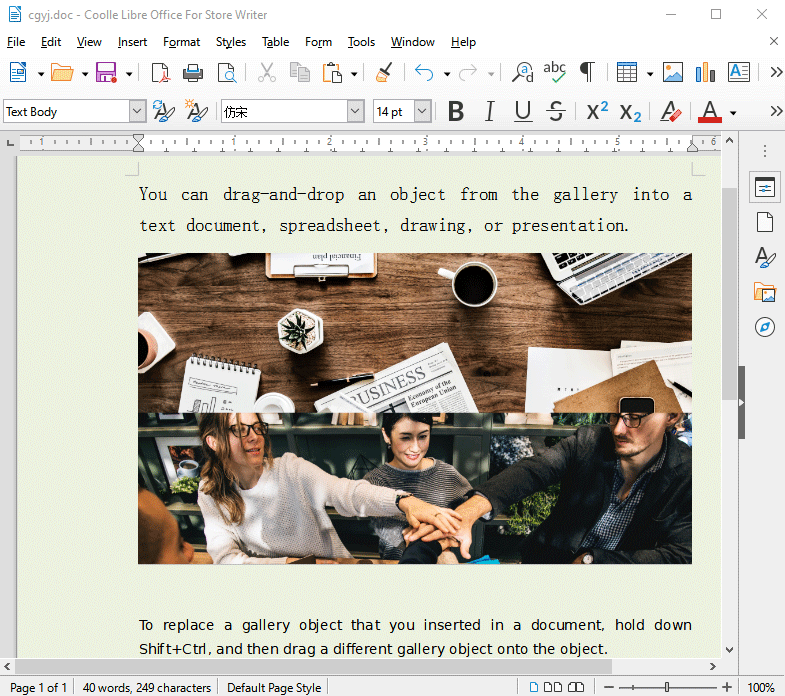
By default, the inserted graphic is centered above the paragraph that you clicked in.