

To combine 2D objects:
1. Select two or more 2D objects.
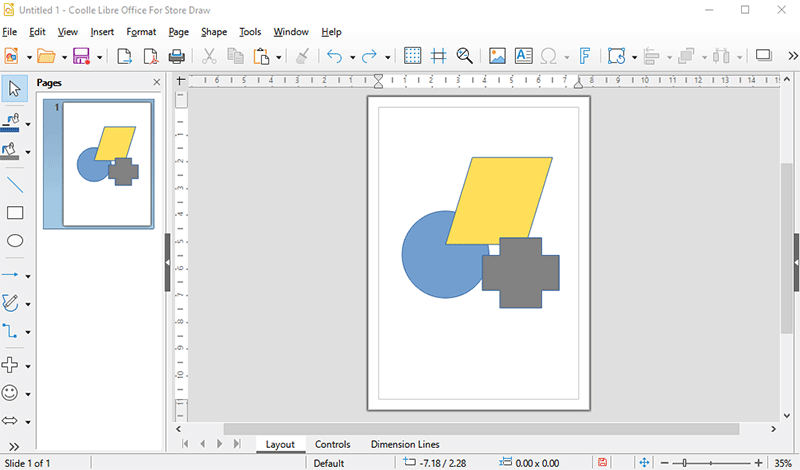
2. Choose Shape - Combine.
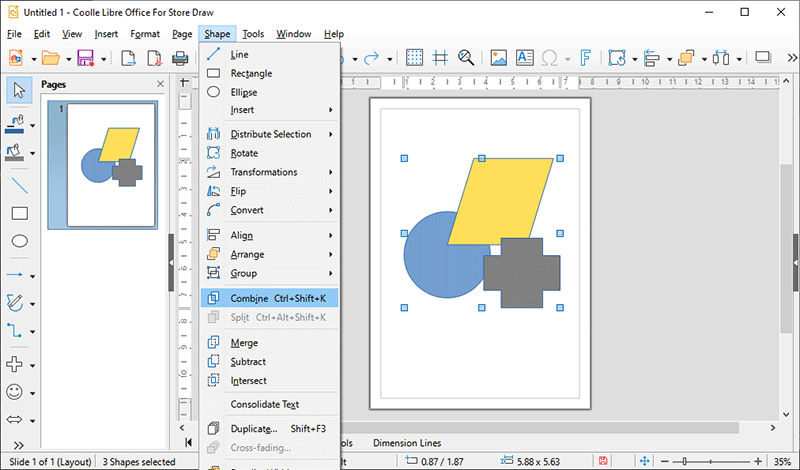
2. Do one of the following:
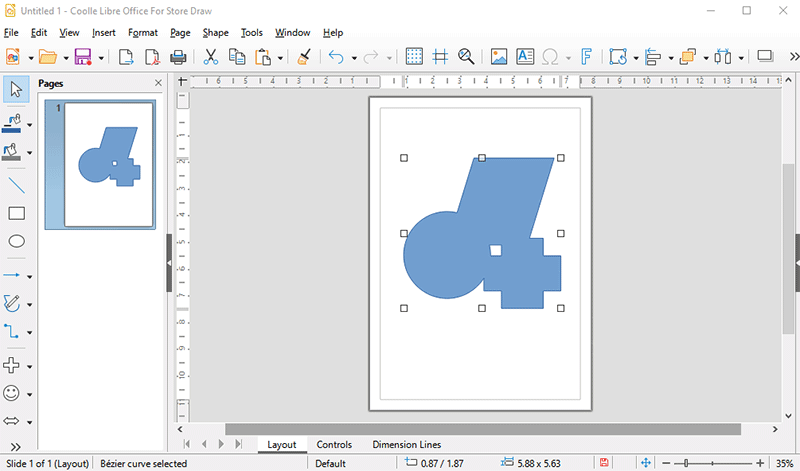
Unlike groups, a combined object takes on the properties of the lowermost object in the stacking order. You can split apart combined objects, but the original object properties are lost.
When you combine objects, holes appear where the objects overlap.
To construct a shape: 1. Select two or more 2D objects.
2. Choose Shape and one of the following:
Merge
Subtract
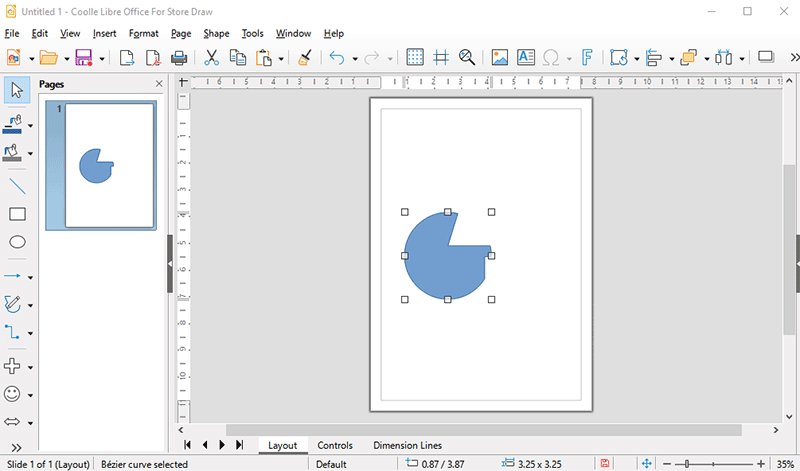
Intersect
