
How to Compress PDF
如何压缩 PDF
Reduce PDF file size while keeping quality. Perfect for sharing and storage.
在不明显损失质量的前提下减小 PDF 文件体积,适合分享与存储。
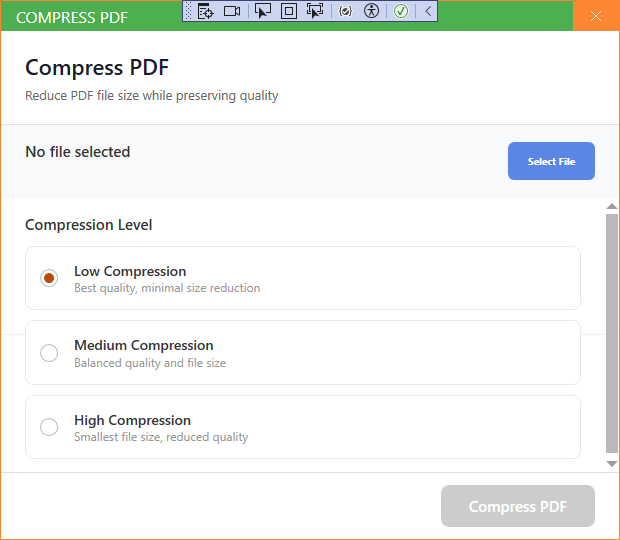
New UI
新版界面
- Open Compress PDF from the PDF Tools section.
- Click Add Files and select the PDF file.
- Choose a compression level.
- Choose the save folder.
- Click Start to compress the file.
- 在 PDF 工具区域打开压缩 PDF。
- 点击添加文件选择 PDF 文件。
- 选择压缩级别。
- 选择保存文件夹。
- 点击开始压缩文件。
Classic Mode
经典模式
- In Classic Mode, click the corresponding card on the home page, add your files, set options if needed, and press Start.
- 在经典模式中,点击主页对应卡片,添加文件,按需设置选项后点击开始。
Tip: A higher compression level gives a smaller file with slightly lower quality.
提示:压缩级别越高文件越小,质量略有降低。